Is the Claim Route 360 app free?
Yes. The Free plan includes the web and mobile apps with manual claim entry for up to 10 claims a month. Paid plans add claim import, automatic routing, and phone and SMS tools.
Claim Route 360 runs on the web and on iPhone and Android. Set up your claims and routes on your computer, then take the day's route into the field on your phone.
Download on the App Store Get it on Google Play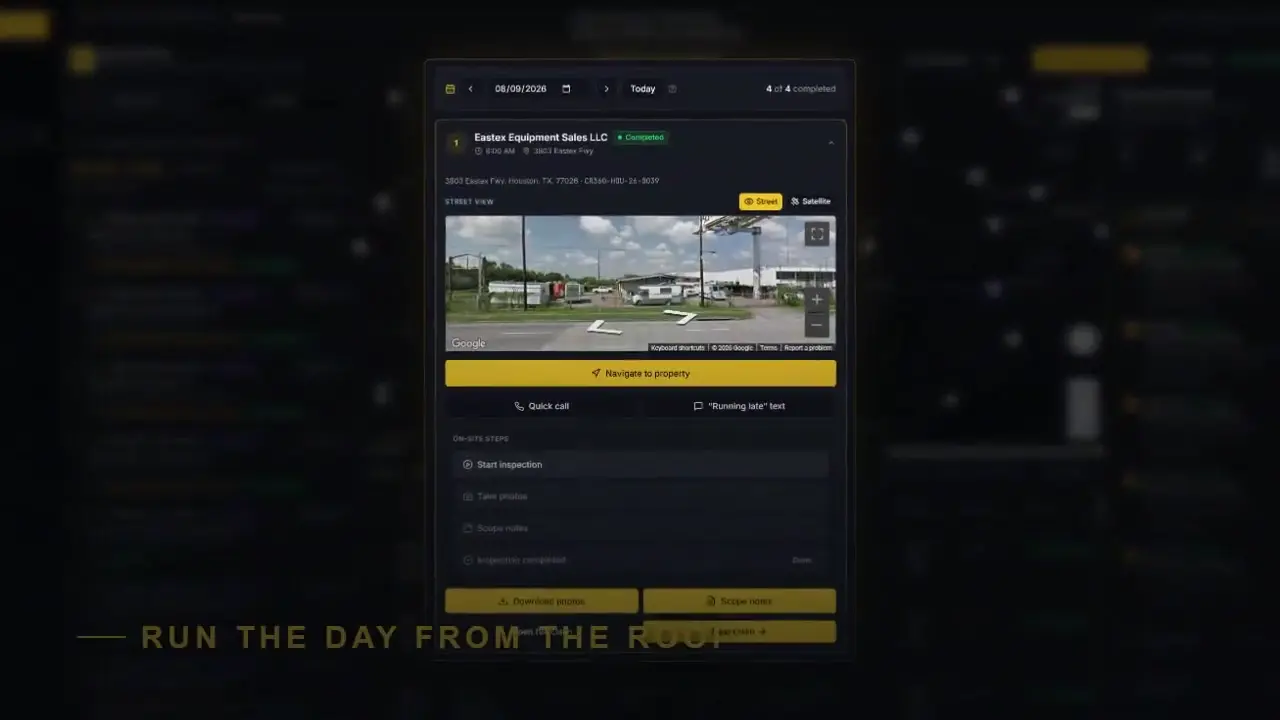
First-time setup works best in the web app at claimroute360.app on a computer: import claims, set your routing preferences, and build your routes. After that, the phone app is your field tool.
Yes. The Free plan includes the web and mobile apps with manual claim entry for up to 10 claims a month. Paid plans add claim import, automatic routing, and phone and SMS tools.
iPhone (App Store) and Android (Google Play).
Yes, for setup. Claims are imported and routes are built in the web app, then worked from the phone.